Product Support

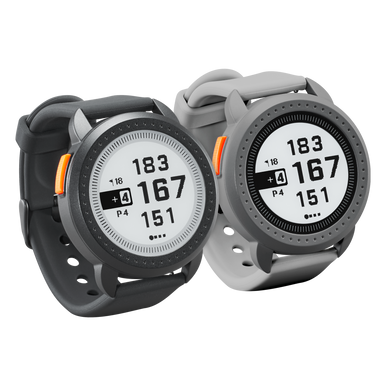
iON Edge Support

Getting started, FAQs, manuals, and warranty details for the iON Edge GPS watch (product #s 362130, 362131).

Bushnell iON Edge GPS Watch Support

Getting Started

Two minutes of setup before your first round.

Before use

The iON Edge uses GPS satellites to compare its location to the course database. It is not an active GPS location device, so keeping the most recent course information on it is important for accuracy.

Register your device at bushnellgolf.com/product-registration.

Install the Bushnell Golf App (Android / Apple).

Open the Bushnell Golf App and add your iON Edge as a device. Your device comes preloaded with thousands of golf courses; while the app isn't required, it's the easiest way to update software and course maps on your GPS watch.

Basic operation

Quick start operation guide:

  1. Charge the iON Edge's internal battery by connecting the charger to the back of the device and plugging the USB side into a computer or wall.
  2. Press and hold the Power button to turn on the device. The Time screen is displayed.
  3. To play golf, swipe left to the Play Golf screen and tap the Play Golf icon. The device connects to satellites faster outside with a clear view of the sky.
  4. Choose your course by swiping up/down and tapping your selected course. The Play Golf (Front/Center/Back) screen is displayed.
  5. The iON Edge has an Auto Hole advance feature; to change holes manually, swipe up/down on the touchscreen.
  6. To cycle through Play Golf mode screens (Front/Center/Back > GreenView > Hazards and Layup points > Time), swipe left/right. See the Quick Start Guide for full details.

Guides & Manuals

PDF downloads open in a new tab.

iON Edge User Manual

Download PDF

iON Edge Quick Start Guide

Download PDF
1 year Warranty

Bushnell Golf guarantees the iON Edge GPS Watch to be free of defects in materials and workmanship for one year from the date of purchase. This warranty does not cover damages caused by misuse, improper handling, installation, or maintenance provided by someone other than a Bushnell Authorized Service Department.

Warranty & Service Center →

FAQs

Troubleshooting and care, answered. Still stuck? The contact options below reach a real Bushnell Golf expert.

How do I update my GPS device with the most recent software and course maps?
To update a single course - connect your watch to the Bushnell Golf Mobile App via Bluetooth. Select iON Edge from your device list. Select Course Update. Follow the instructions to search for your course & update your device.

To update multiple courses - visit the Bushnell Golf Update Manager at https://appsupport.bushnellgolf.com (Google Chrome web browser is recommended)
I can't get my GPS to power on. How do I turn my GPS device on and off?
Connect the magnetic charger to the back of your iON Edge and plug the USB Side into your computer or wall adapter. Press and hold the orange Power button to turn on the device.
Where can I find the courses that have been pre-loaded on my GPS device?
You can search available courses on the Bushnell Golf Mobile App. The search function will default to show your recent courses, so you will need to select "Nearby" to view all results.
My local course was recently renovated, can the GPS mapping be redone?
Visit https://www.bushnellgolf.com/support/request-course-map to let us know and we'll work to add it to our GPS database.
Is the iON Edge waterproof?
No, the iON Edge is not waterproof. It should not be submerged in any liquid. However, the unit is IPX& rated so it is water resistant.

Videos

ION EDGE WATCH OVERVIEW

ION EDGE WATCH OVERVIEW

Get an overview of the iON Edge GPS watch and its features.
HOW TO NAVIGATE THE HOME LOOP

HOW TO NAVIGATE THE HOME LOOP

Understand how to navigate the "Home Loop" on the iON Edge GPS watch.
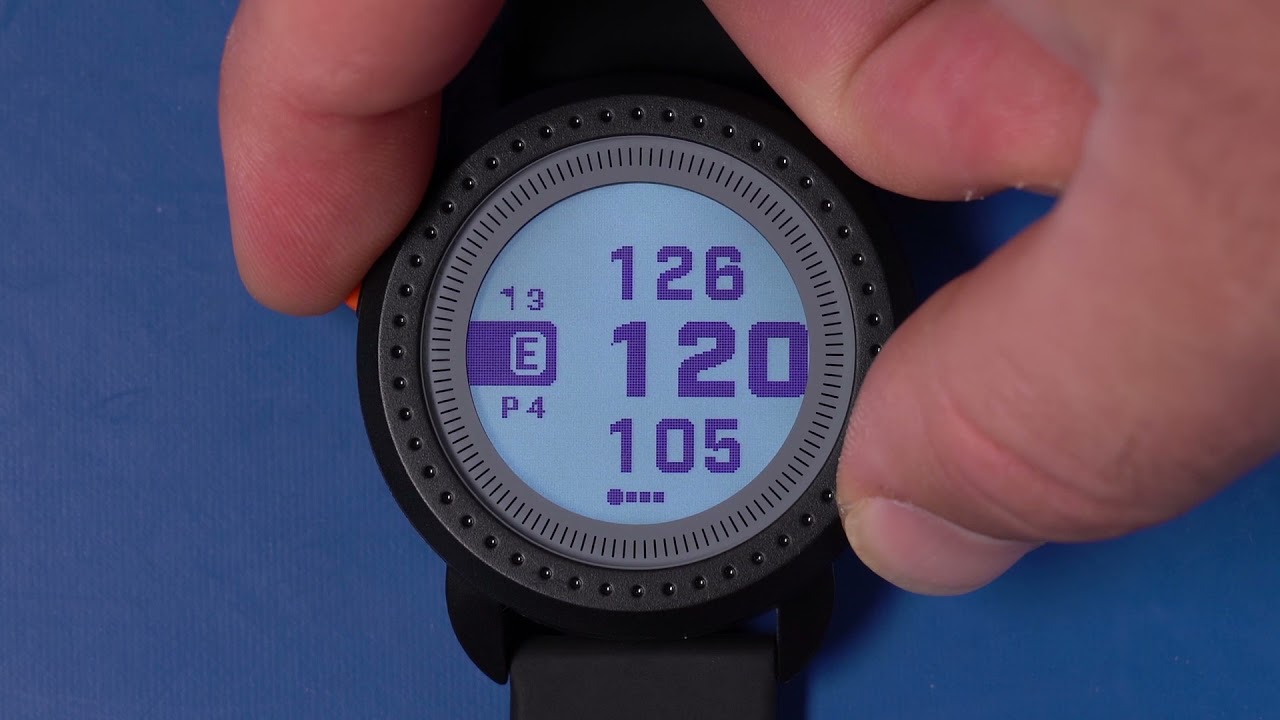
HOW TO ENTER SCORES

HOW TO ENTER SCORES

Learn how to enter and manage score tracking on your iON Edge GPS watch.
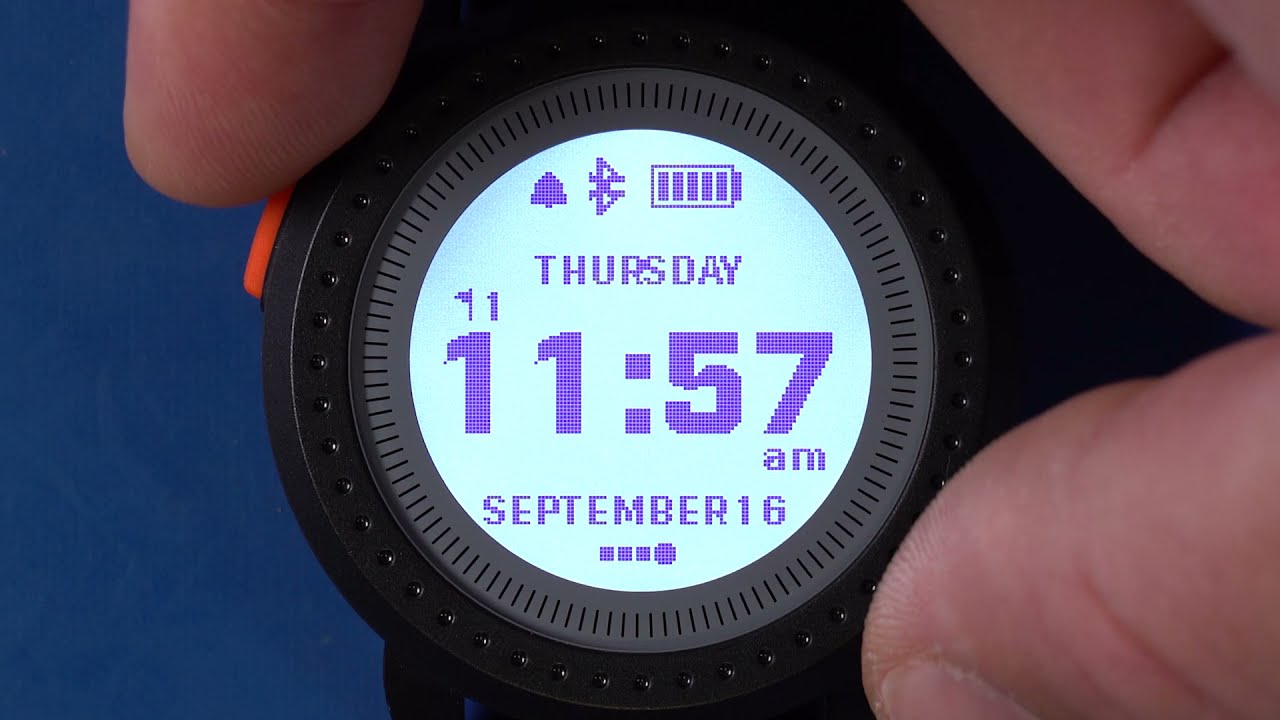
USING "PLAY GOLF" MODE

USING "PLAY GOLF" MODE

Learn how to get started using your iON Edge on the course.
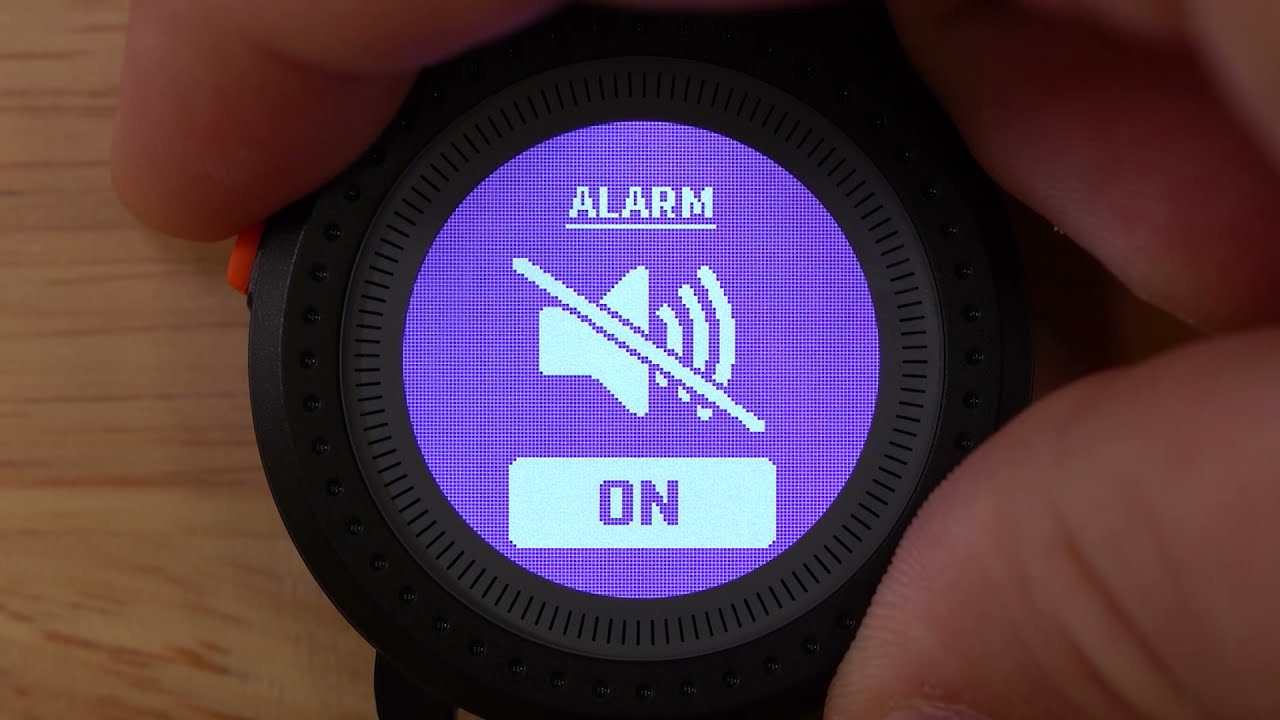
USING THE SETTINGS MENU

USING THE SETTINGS MENU

Get an understanding of the settings menu on the iON Edge GPS watch.
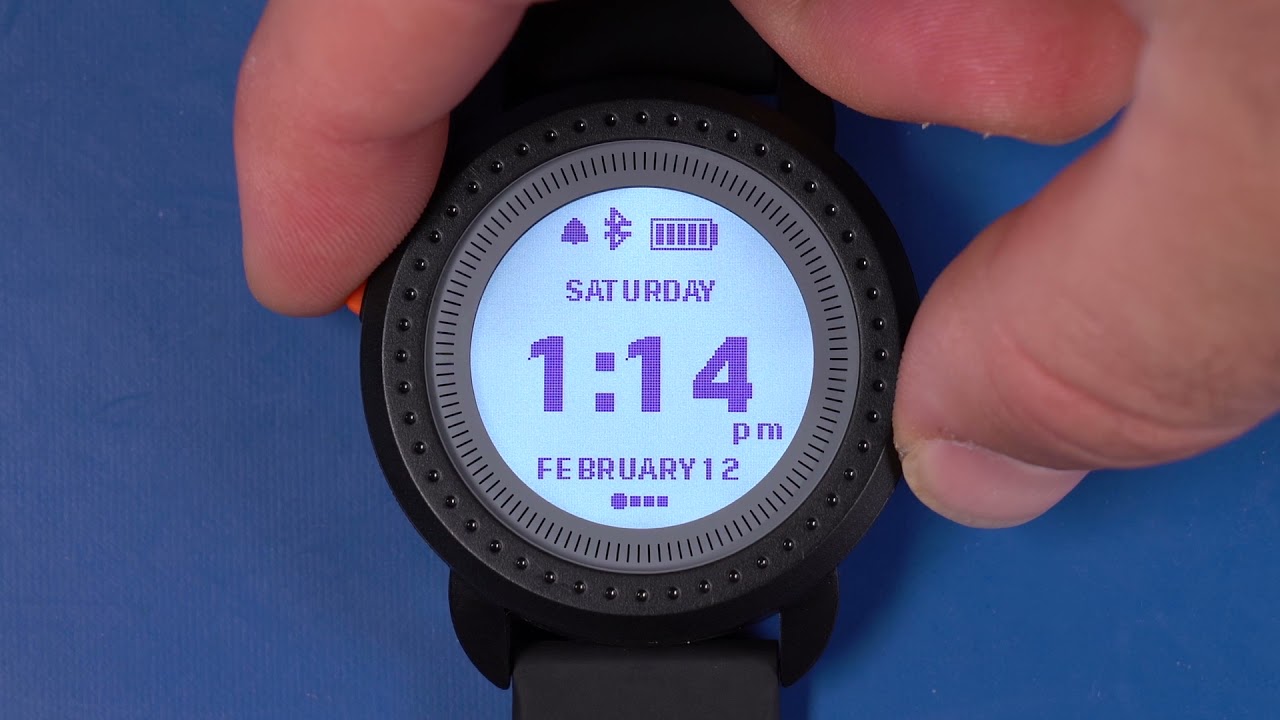
HOW TO SET THE TIME

HOW TO SET THE TIME

Learn step-by-step details of setting the time on your iON Edge GPS watch.

Replacement Parts

Replacement Parts
REPLACEMENT CHARGING CABLE FOR ION EDGE/ION ELITE
Need a charge? This official replacement charger fits the iON Edge/iON Elite ...
Replacement Parts
REPLACEMENT WATCHBAND FOR ION EDGE
Official replacement watchband for iON Edge GPS watch. Choose from two differ...

Warranty & Service

Check coverage, request a warranty evaluation, or track a service.

Warranty center

Talk to an expert

Can't find what you need? Our support team replies within 24–48 hours.

Contact us

Legacy product manuals

Own an older Bushnell Golf device? Every manual, in one library.

Browse manuals