Product Support

iON Elite Support

Getting started, FAQs, manuals, and warranty details for the iON Elite GPS watch (product #362150).

Shop the iON Elite
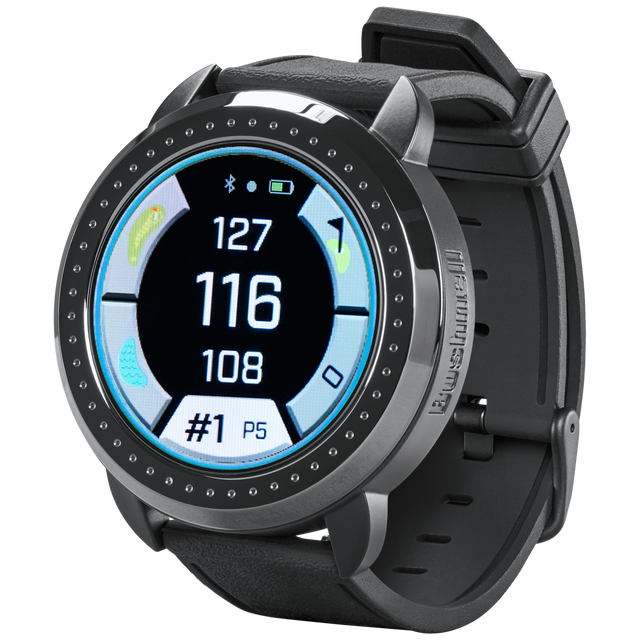
Bushnell iON Elite GPS Watch Support

Getting Started

Two minutes of setup before your first round.

Before use

The iON Elite uses GPS satellites to compare its location to the course database. It is not an active GPS location device, so keeping the most recent course information on it is important for accuracy.

Register your device at bushnellgolf.com/product-registration.

Install the Bushnell Golf App (Android / Apple).

Open the Bushnell Golf App and add your iON Elite as a device. Your device comes preloaded with thousands of golf courses; while the app isn't required, it's the easiest way to update software and course maps on your GPS watch.

Basic operation

Quick start operation guide:

  1. Charge the iON Elite's internal battery by connecting the charger to the back of the device and plugging the USB side into a computer or wall.
  2. Press and hold the Power button to turn on the device. The Time screen is displayed.
  3. To play golf, swipe left to the Play Golf screen and tap the Play Golf icon. The device connects to satellites faster outside with a clear view of the sky.
  4. Choose your course by swiping up/down and tapping your selected course. The Play Golf (Front/Center/Back) screen is displayed.
  5. The iON Elite has an Auto Hole advance feature; to change holes manually, swipe up/down, or tap the hole number to open the Quick Hole Change screen.
  6. To cycle through Play Golf mode screens (Front/Center/Back > Shot Distance, Score Card, Settings > Time/Home), swipe left/right. See the Quick Start Guide for full details.

Guides & Manuals

PDF downloads open in a new tab.

iON Elite User Manual

The iON Elite is a premium GPS watch with Slope, auto course recognition, and a color touchscreen. This owner's manual covers setup, features, settings, and care.

Download PDF

iON Elite Quick Start Guide

The iON Elite is a premium GPS watch with Slope, auto course recognition, and a color touchscreen. This quick start guide walks you through setup and your first round.

Download PDF
1 year Warranty

Bushnell Golf guarantees the iON Elite GPS Watch to be free of defects in materials and workmanship for one year from the date of purchase. This warranty does not cover damages caused by misuse, improper handling, installation, or maintenance provided by someone other than a Bushnell Authorized Service Department.

Warranty & Service Center →

FAQs

Troubleshooting and care, answered. Still stuck? The contact options below reach a real Bushnell Golf expert.

Why does my iON Elite continue to show 183/167/151 on the screen?
Your iON Elite is shipped with a screen protector, that can easily be peeled off from the face of the watch.
What steps do I need to take prior to pairing my iON Elite to the Bushnell Golf Mobile (BGM) App?
Turn off/on Bluetooth before starting paring process.
Is the iON Elite waterproof?
Avoid exposing the unit to extreme environmental conditions for a prolonged period of time. The unit is IPX7 rated; it is water resistant, but not waterproof. The device should not be submerged in any liquids.
How do I update my iON Elite with the most current software and course maps?
Your Ion Elite is pre-loaded with data for over 38,000 courses located worldwide. It is ready to use right out of the box, with no need to download software or pay any membership fees.
Automatic Course Update: To Update a single course file automatically, connect the Device to the Bushnell Golf Mobile App via Bluetooth, press Play Now to start a round. Once the course is selected, the Ion Elite will automatically update the course, if a new version is available.
Manual Course Update: To Update a single course file. Connect the Device to the Bushnell Golf Mobile App via Bluetooth. Select Ion Elite from your device List. Select Course Update. Follow the instructions on the Bushnell Golf Mobile App to search for your course and update your device.
To Update multiple courses. Please visit the Bushnell Golf Update Manager at https://appsupport.bushnellgolf.com and follow the instructions (Google Chrome web browser is recommended)
How do I turn the iON Elite off?
Please get in the habit when turning off the watch, hold down the power/ menu button until you see Bushnell Golf (and the ball going into the cup) appear on the screen, then let go of the button. The watch will continue its shut down procedure.
How does GPS Time work?
Your watch can be set manually and will always be the time you set.
If you set your watch to GPS the time will only update when you select to start a round at a course (it may take a minute or two for this to occur). This is the point at which the watch connects to GPS. Just traveling around the watch will not update. Only when it connects to GPS which occurs when you start a round (courses are saved on the watch so picking a course will not update time).
How does a completed round auto update to the App?
If the users phone is on them and the app open while playing scoring will auto update as shots are entered.
If the users phone is NOT on them or the app is not open/active while playing the device will store up to 10 rounds and update to the app the next time the app is opened with the device connected via Bluetooth.

Videos
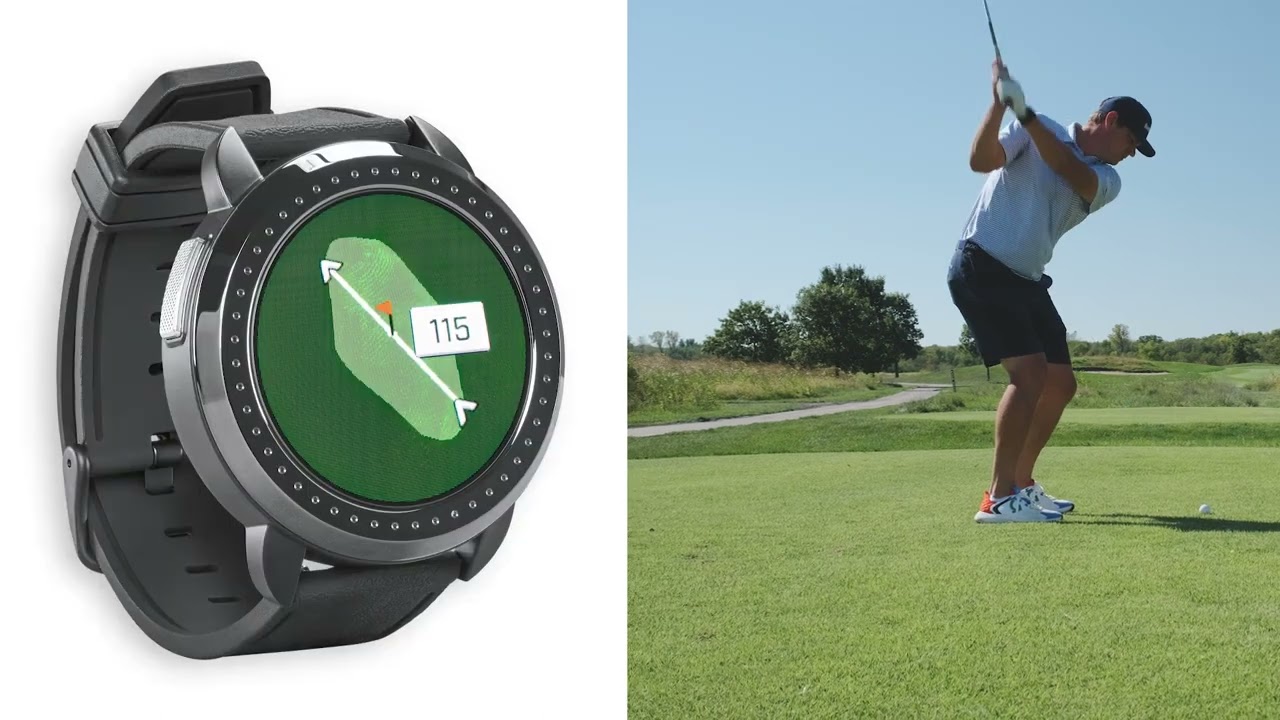
iON Elite Product Overview

iON Elite Product Overview

The iON Elite is an evolutionary Golf GPS watch that features Bushnell Golf’s patented Slope compensated distances. This stylish watch also features a color touchscreen and is easy to use right out of the box.

Replacement Parts

Replacement Parts
REPLACEMENT WATCHBAND FOR ION ELITE
Official replacement watchband for iON Elite GPS watch. Choose from two diffe...
Replacement Parts
REPLACEMENT CHARGING CABLE FOR ION EDGE/ION ELITE
Need a charge? This official replacement charger fits the iON Edge/iON Elite ...

Warranty & Service

Check coverage, request a warranty evaluation, or track a service.

Warranty center

Talk to an expert

Can't find what you need? Our support team replies within 24–48 hours.

Contact us

Legacy product manuals

Own an older Bushnell Golf device? Every manual, in one library.

Browse manuals