

Product Support
Phantom 3 Slope Support
Getting started, FAQs, manuals, and warranty details for the Phantom 3 Slope handheld GPS (product #s 362401, 362402, 362403, 362404).
Shop the Phantom 3 Slope GPS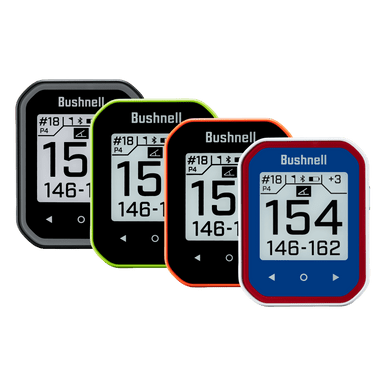
Getting Started
Two minutes of setup before your first round.
Guides & Manuals
PDF downloads open in a new tab.
Phantom 3 Slope User Manual
The Phantom 3 Slope is a handheld GPS with Slope, a magnetic mount, and BITE technology. This owner's manual covers setup, features, settings, and care.
Download PDFPhantom 3 Slope Quick Start Guide
The Phantom 3 Slope is a handheld GPS with Slope, a magnetic mount, and BITE technology. This quick start guide walks you through setup and your first round.
Download PDF
1 year Warranty
FAQs
Troubleshooting and care, answered. Still stuck? The contact options below reach a real Bushnell Golf expert.
How do I update a single course?
Connect your Phantom 3 Slope to the Bushnell Golf Mobile App via Bluetooth. Select the Phantom 3 Slope from your device list, then select “Course Update,” and follow the on-screen instructions in the app to search for your course and update your device.
How do I update multiple courses or apply a firmware update?
Please visit the Bushnell Golf Update Manager in a Google Chrome web browser, sign-up or login with your Bushnell Golf Mobile app username/password, and then follow the on-screen instructions.
What courses are available on the Phantom 3 Slope
You can search our courses database to see the 38,000+ worldwide courses available on the Phantom 3 Slope.
How can I tell if my Phantom 3 Slope is charging?
To recharge the battery, attach the smaller plug on the included USB-C cable to the port at the bottom side of the unit and connect the large (standard) USB plug ( not included ) to your computer. Once connected, press the POWER button - the display will show the battery icon charging . The Phantom 3 Slope is fully charged ( about 3.5 hrs from totally discharged state, less if partial charge remains ) and ready to use when a full circle is displayed around the battery icon (press POWER to check charge status if not displayed) . The Phantom 3 Slope and USB-C cable are compatible with all USB ports, including iPhone/other smartphone USB chargers. To check your remaining battery life, select “Battery” from the SETTINGS menu.
What if I lost my charging cable?
The Phantom 3 Slope utilizes a standard USB-C charging cable that can be purchased at most retail outlets and online.
Are there any monthly subscription fees?
No, none of our Bushnell GPS or laser rangefinder products require subscription fees.
Videos
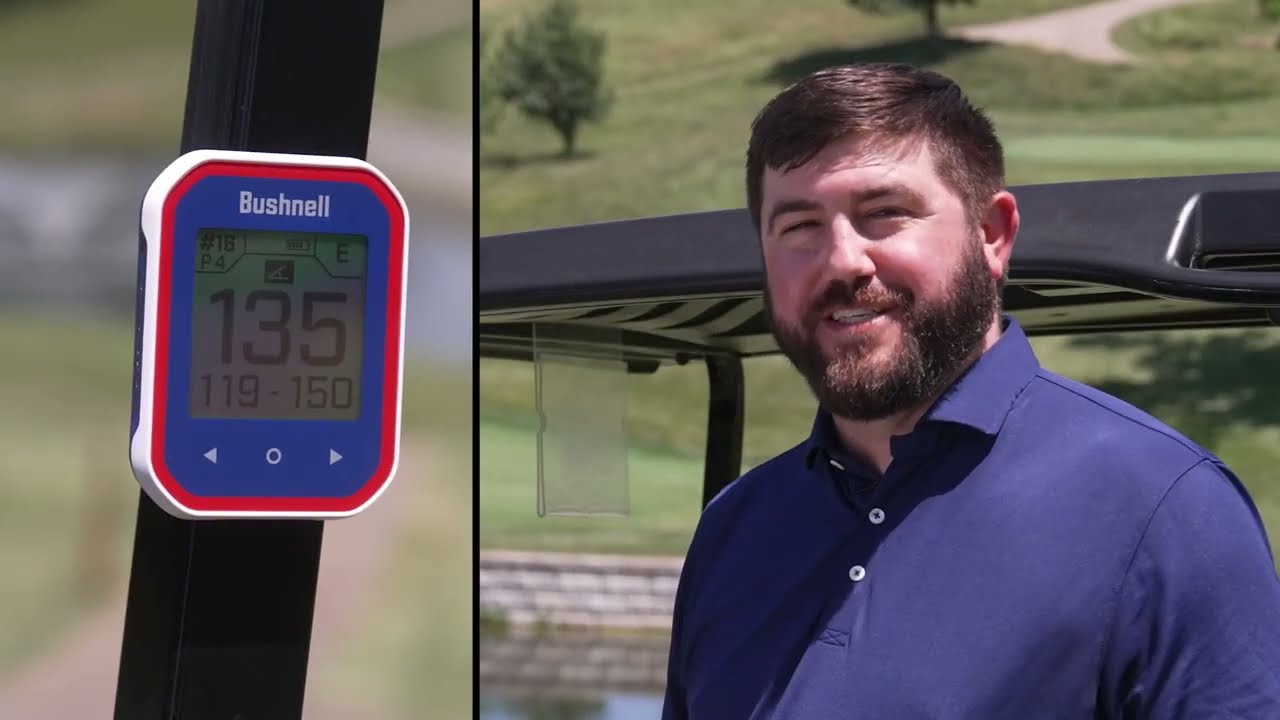
DISCOVER PHANTOM 3 SLOPE
Get an overview of the Phantom 3 Slope and its features.
Replacement Parts


Replacement Parts
REPLACEMENT CHARGING CABLE FOR PHANTOM 2 GPS & WINGMAN VIEW & WINGMAN MININeed a charge? This official replacement charging cable charges the Phantom 2...
Legacy product manuals
Own an older Bushnell Golf device? Every manual, in one library.
Browse manuals