

Pro X3+ Support
Getting started, FAQs, manuals, and warranty details for the Pro X3+ laser rangefinder (product #202450).
Shop the Pro X3+LINK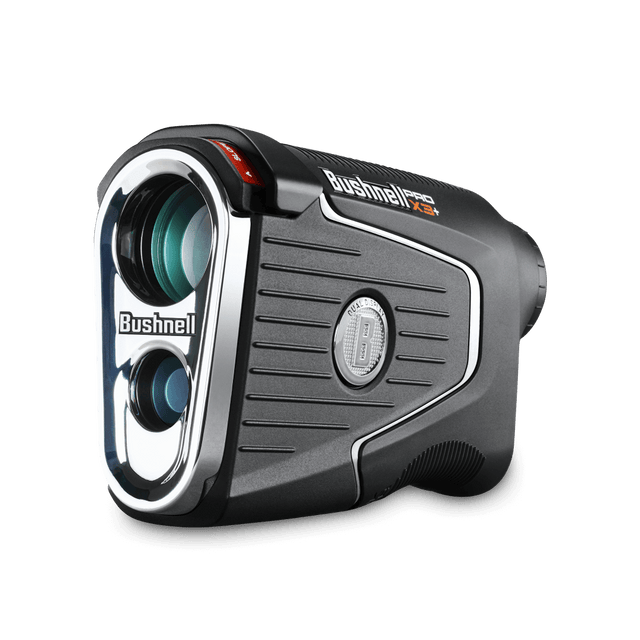
Getting Started
Two minutes of setup before your first round.
Guides & Manuals
PDF downloads open in a new tab.
Pro X3+LINK User Manual
The Pro X3+ builds on the Pro X3 with LINK-enabled club recommendations and Elements environmental data. This owner's manual covers setup, features, settings, and care.
Download PDFPro X3+ Quick Start Guide
The Pro X3+ builds on the Pro X3 with LINK-enabled club recommendations and Elements environmental data. This quick start guide walks you through setup and your first round.
Download PDFFAQs
Troubleshooting and care, answered. Still stuck? The contact options below reach a real Bushnell Golf expert.
I see debris in the lens
What steps need to be taken to begin pairing my Pro X3+ to the Bushnell Golf Mobile (BGM) App?
Why do I need to pair my Pro X3+ to the Bushnell Golf Mobile (BGM) App?
My buddy's laser rangefinder provides a different range than my Pro X3+. Which is correct?
I've been using Bushnell laser rangefinders for years, why do I not get the JOLT feedback as often with the Pro X3+?
Is the Pro X3+ Waterproof?
Can I clean the Pro X3+?
2. To remove dirt or finger prints, clean with the supplied micro fiber cloth rubbing in a circular motion. Use of a coarse cloth or unnecessary rubbing may scratch the lens surface and eventually cause permanent damage. The included washable microfiber cleaning cloth is ideal for the routine cleaning of your optics. Simply breathe lightly on the lens to provide a slight amount of moisture, then gently rub the lens with the microfiber cloth.
3. For a more thorough cleaning, photographic lens tissue and photographic-type lens cleaning fluid or isopropyl alcohol may be used. Always apply fluid to the cleaning cloth - never directly on the lens.
When do I replace the battery?
Are there any subscription fees?
Videos
PRECISION PERFECTED WITH THE PRO X3+
The Pro X3+ provides wind speed and direction, along with the best compensated distances available, to give golfers an unmatched combination of accuracy and performance.
HOW TO CALIBRATE THE PRO X3+
To ensure you are getting the most accurate wind data in your Pro X3+, a quick calibration is required to utilize the wind feature. This is a quick, simple process that can be done while walking to your ball. This video explains how you calibrate the Pro X3+.
Replacement Parts


Legacy product manuals
Own an older Bushnell Golf device? Every manual, in one library.
Browse manuals