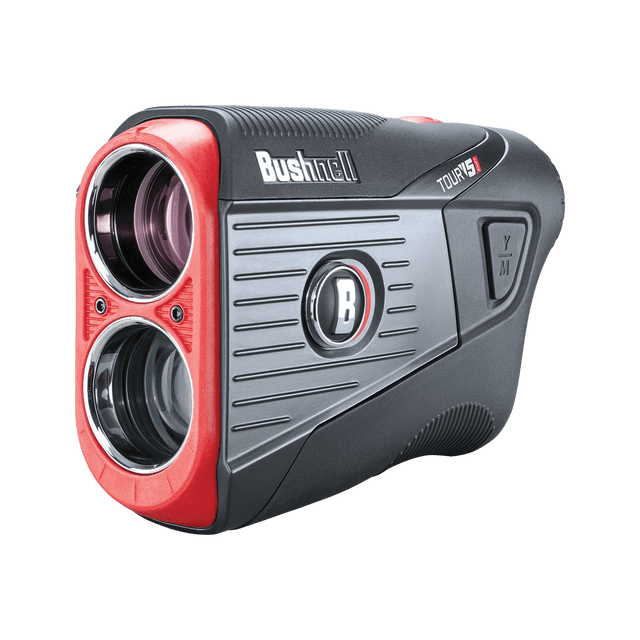
Product Support

Tour V5 Shift Support

Getting started, FAQs, manuals, and warranty details for the Tour V5 Shift laser rangefinder (product #s 201911P, 201911).

Bushnell Tour V5 Shift Laser Rangefinder Support

Getting Started

Two minutes of setup before your first round.

Before use

Register your device at bushnellgolf.com/product-registration for Bushnell Golf support, product discounts, and new product information.

Next, install the Bushnell Golf Mobile App (Android / Apple). It isn't required to operate your rangefinder, but it adds:

  • Data for more than 38,000 worldwide golf courses
  • Reliable front, center, and back GPS distances
  • Shot planning with movable layup points
  • Round and statistics tracking
  • Animated Hole Views
  • Wireless course updates for your GPS devices

Open the Bushnell Golf App, create your account, and add your rangefinder as a device by following the on-screen prompts.

Basic operation

Get up and running by reviewing the following steps:

  1. Open the battery cover and remove the protective plastic disc from the battery, then replace the cover.
  2. Press the Power/Fire button to activate the display and fire the laser.
  3. Rotate the Fast Focus eyepiece for a sharp display.
  4. To select distance units (yards/meters), press Fire/Power, then hold the Y/M button until the units change in the display.
  5. The Slope switch enables or disables slope-compensated ranging.

Your initial battery should last a few months. If performance drops, replace it with a high-quality (Panasonic, Duracell, or Energizer) CR-2 3-volt lithium battery straight from the package, then press and hold the Fire button for 10 seconds. Carry 1-2 spares in your bag so you always have a fresh battery for full functionality.

Guides & Manuals

PDF downloads open in a new tab.

Tour V5 Shift User Manual

Download PDF

Tour V5 Shift Quick Start Guide

Download PDF
2 years Warranty

Bushnell Golf guarantees the Tour V5 Shift Laser Rangefinder to be free of defects in materials and workmanship for two years from the date of purchase. This warranty does not cover consumer-caused damages such as misuse, abuse or repairs attempted by someone other than our authorized technicians.

Warranty & Service Center →

FAQs

Troubleshooting and care, answered. Still stuck? The contact options below reach a real Bushnell Golf expert.

I see debris in the lens
This is likely solar burn — over time the device can develop small dots from sun exposure. The dots are cosmetic and should not affect performance. If solar burn becomes substantial enough to interfere with the viewing area, contact Bushnell Golf Support for options.
My Tour V5 Shift is off by 10 yards?
The Tour V5 Shift can be used to measure distance in yards or meters. The unit measure indicators are located in the lower right portion of the LCD. To select between yards and meters, press the button on the side marked Y/M. Press the top portion Y for yards or the bottom portion M for meters. The Tour V5 Shift will return to the last unit of measure setting used each time the unit is turned on.
The display is out of focus
Power the unit on by pressing the Power/Fire button once, then rotate the eyepiece in either direction until the display icons and numbers are in focus.
Is the Tour V5 Shift Waterproof?
No, the Tour V5 Shift is water resistant, but should not be exposed to heavy rain or other direct streams of water and will not withstand submersion in water or other liquids. Damage caused by water is not covered under the two-year limited warranty.
Can I clean the Tour V5 Shift?
Yes, follow these steps.

1. Blow away any excessive dust or debris on exterior (or use a soft brush).

2. To remove dirt or finger prints, clean with the supplied micro fiber cloth rubbing in a circular motion. Use of a coarse cloth or unnecessary rubbing may scratch the lens surface and eventually cause permanent damage. The included washable microfiber cleaning cloth is ideal for the routine cleaning of your optics. Simply breathe lightly on the lens to provide a slight amount of moisture, then gently rub the lens with the microfiber cloth.

3. For a more thorough cleaning, photographic lens tissue and photographic-type lens cleaning fluid or isopropyl alcohol may be used. Always apply fluid to the cleaning cloth - never directly on the lens.
When do I replace the battery?
Replace the battery when the unit won't turn on, the display doesn't illuminate, or the display goes blank when firing the laser. Use a quality CR2 3-volt lithium battery, inserted negative (flat) end first. We recommend replacing the battery at least every six months.

Videos

BUSHNELL TOUR V5 & TOUR V5 SHIFT

BUSHNELL TOUR V5 & TOUR V5 SHIFT

See the Bushnell V5 and V5 Shift in action — and hear from the experts how PinSeeker, slope compensation, BITE magnetic mount, and crystal clarity can evolve your everyday play.
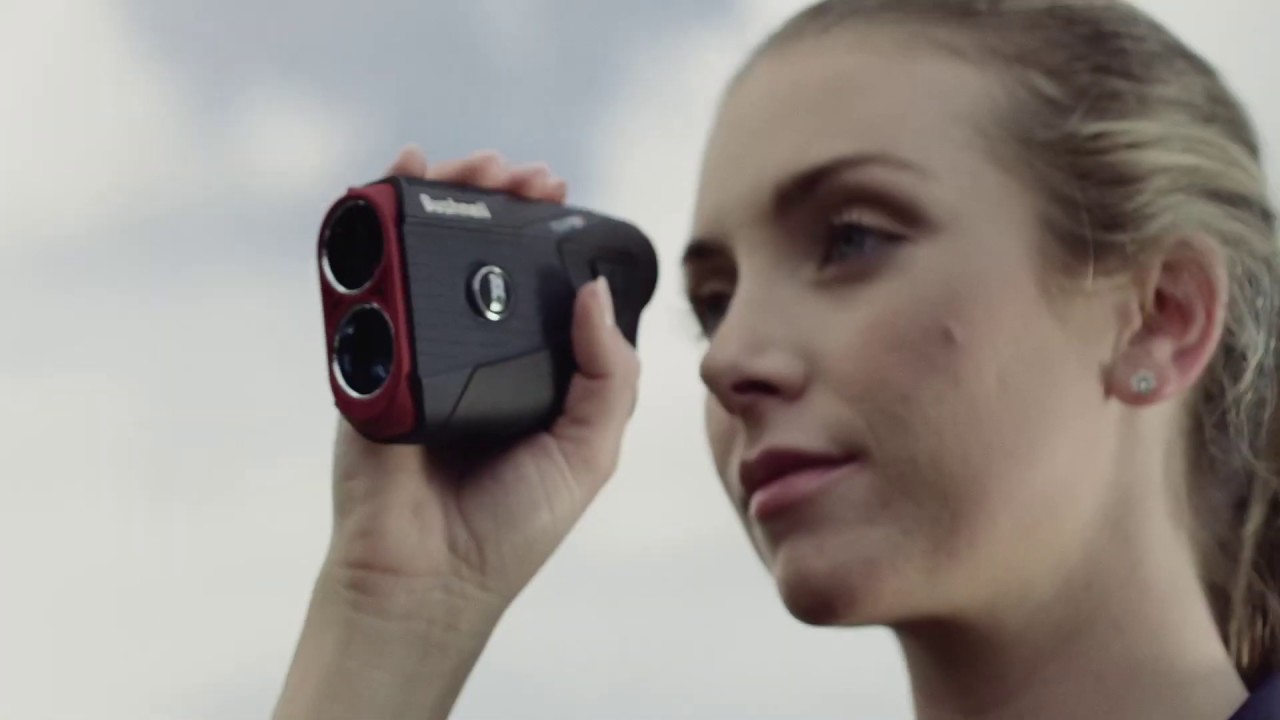
BUSHNELL TOUR V5 & TOUR V5 SHIFT DANCE COMMERCIAL

BUSHNELL TOUR V5 & TOUR V5 SHIFT DANCE COMMERCIAL

Upgrade your game. The new Tour V5 features an integrated BITE magnetic cart mount, PinSeeker with Visual JOLT and improved magnification and clarity. Also available in Tour V5 Shift featuring our patented Slope Technology that provides golfers the most precise compensated distances in golf.

Replacement Parts

Replacement Parts
REPLACEMENT BATTERY CAP FOR TOUR V7 SHIFT, TOUR V6, TOUR V5 AND TOUR V5 SHIFT
Official replacement black battery cap for the Tour V7 Shift, Tour V6, Tour V...

Warranty & Service

Check coverage, request a warranty evaluation, or track a service.

Warranty center

Talk to an expert

Can't find what you need? Our support team replies within 24–48 hours.

Contact us

Legacy product manuals

Own an older Bushnell Golf device? Every manual, in one library.

Browse manuals